Set up your wallet
1 · Your face
2 · Front
3 · Back
✅ Got your face!
Now: your ID card.
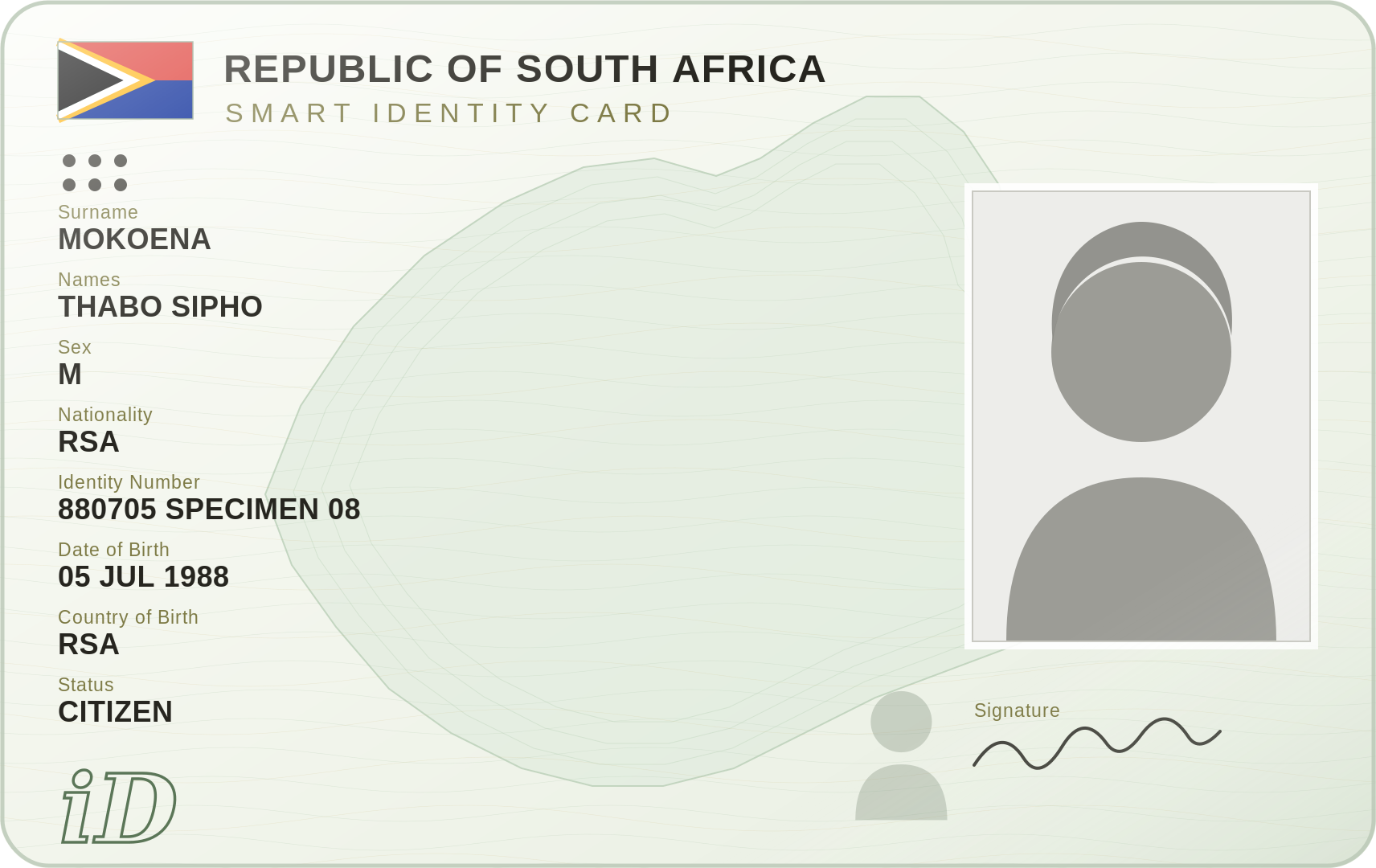 ⬆ FRONT ⬆
Take out your Smart ID card.
Show the side with your PHOTO.
Picture 1 — the FRONT of your card
Hold your ID card in the gold box. Show the side with your face. It takes the picture by itself.
The card inside the lines
✅ Got the front!
Now turn your card around.
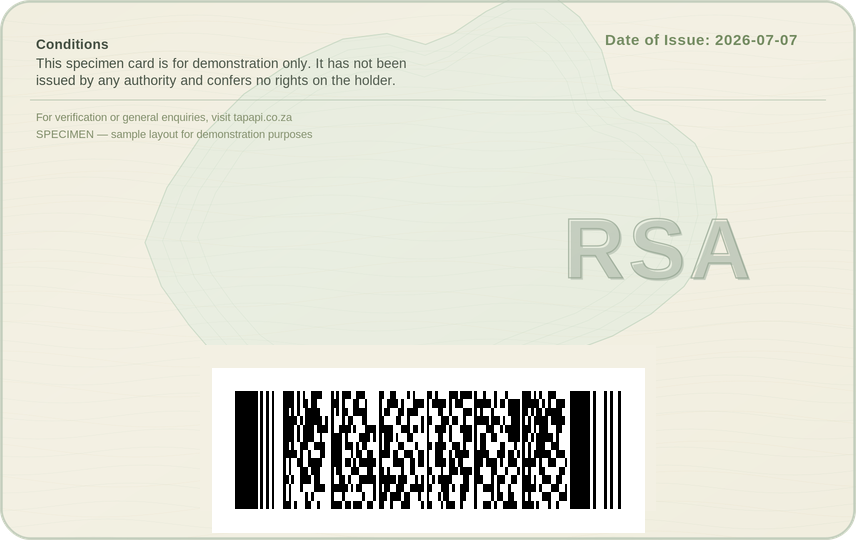
↺
FLIP TO THE BACK
Show the side with the barcode.
We use it to check your ID.
First — your face
Look at the picture. Do what the yellow word says.
This shows it is really you — not a photo.
🎉
You’re in!
Your wallet is ready.
TapAPI KYC · native · build k34 · 2026-07-11